GitHub Security Settings
How to stop GitHub from using your data to train their AI models.

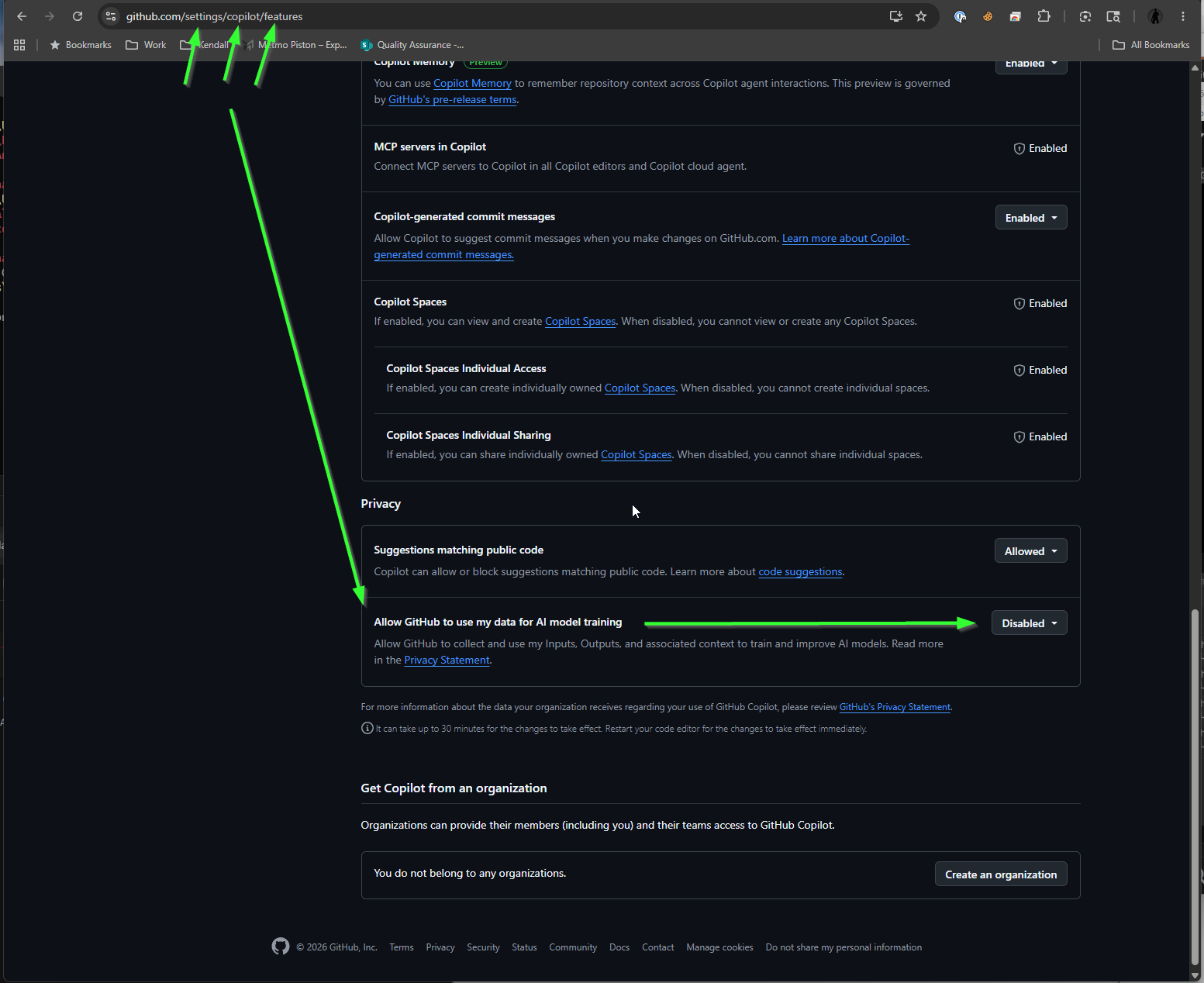
If you use GitHub, your code and inputs might be used to train GitHub's AI models. If you want to keep your data private and prevent it from being used for AI training, you need to disable this setting.
Disable AI Model Training
- Navigate to your GitHub Copilot settings by going to github.com/settings/copilot/features.
- Scroll down to the Privacy section.
- Find the setting labeled Allow GitHub to use my data for AI model training and ensure the dropdown is set to Disabled.